
Recreating my TV graphics program from the ground up with Qt
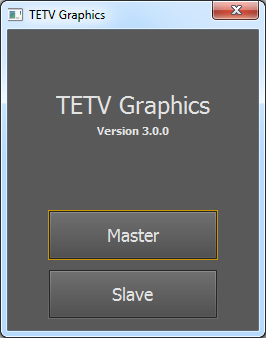 The launch screen of the new program.
As a sophomore two years ago, I created a program to generate the live scoreboard graphics for my high school’s television sports broadcasts. At the time, I knew C# and Windows Forms most comfortably, so I used those technologies to build the software. There is a main control window, and then a second full-screen window which outputs to a second monitor showing the graphics over a black background. We take the output to the “second monitor” and apply luma key to remove the black background. Then we overlay the transparent graphics on our video feed.
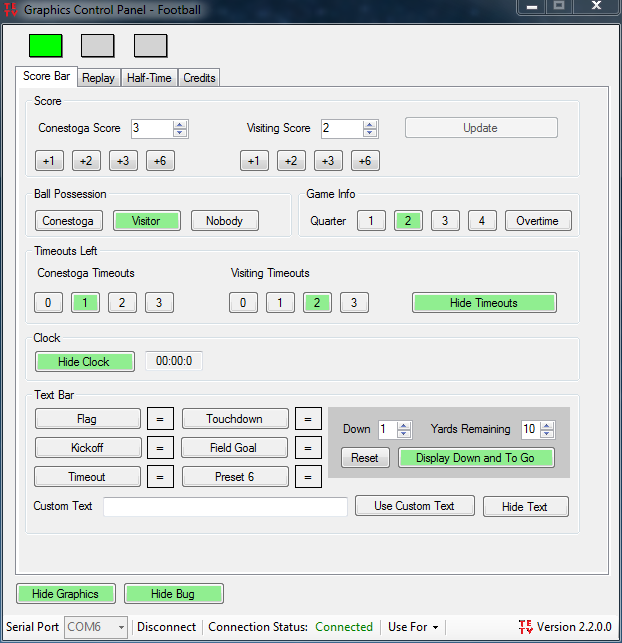
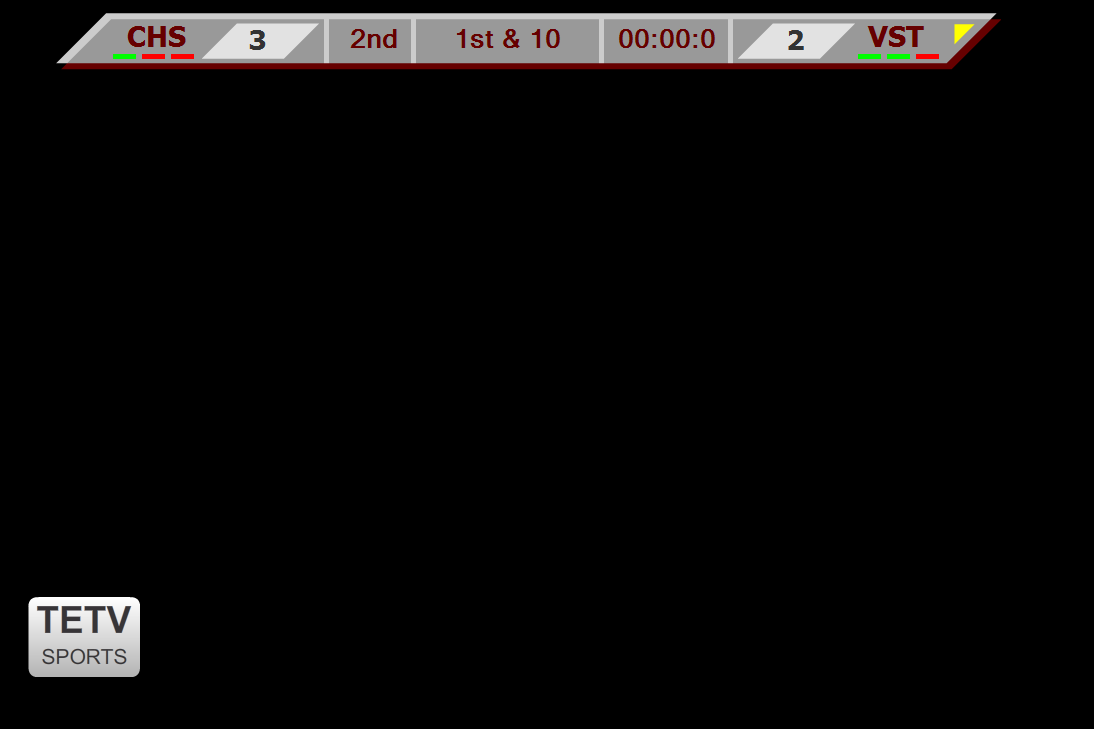
As I added more functionality over the last two years, Windows Forms became harder to work with. Having worked closely with Qt for the last few months, I decided that C++ and Qt would be a far better solution for this type of program. I am currently making progress on an full re-write that will far more sophisticated than the previous version of my software.
One new feature is the program’s support for controlling the graphics from more than one computer. It can launch in either a slave mode or a master mode. As the master, the program will render and output the actual graphics. As a slave, the program will connect to the master over the local network to control the graphics remotely.
Implementing this functionality is a lot of fun. At the time of writing this, I have implemented the networking code, and created a packet system that is expandable using abstract handlers that can register as a handler for specific packet types. You can see this in action with the latest branch. Next, I’ll be creating a set of control widgets (text boxes, check boxes, spin boxes, etc.) that when a value is updated by the user, the same value is updated on the master and all other slaves.
 Three-column layout, and a panel showing connected slaves.
As another new feature, graphics will be sent wirelessly. Since our TV studio uses the NewTek TriCaster video switcher, I got in touch with NewTek and obtained a license to use their SDK. With it, I’ll be able to have my graphics stream directly to the video switcher over the local network, transparency included. This will be easier to integrate with my new program than with the old version because, like my program, the SDK is C++-based. Additionally, Qt makes it easy to capture raw image data from graphic widgets. Because I’ll be sending the graphics frames over the network with an alpha channel, instead of sending it with a black background over a video signal, I’ll be able to add more exciting graphics animations, such as fades.
In all, I’m looking forward to this being one of the most functional and beautiful programs I’ve written so far. When I graduate from my high school in a few months, I want to leave the TV studio with the best possible graphics program.